Can I buy small quantities, or do I need to order in bulk?
Small replacement inquiries are supported, and larger wholesale or business quantities can be quoted after compatibility checking.
Do you support wholesale quotation for larger quantities?
Yes. Send the printer model, part details, photos, and required quantity so our team can check supply options and quotation details.
What is the difference between a printer display screen and a printer control panel?
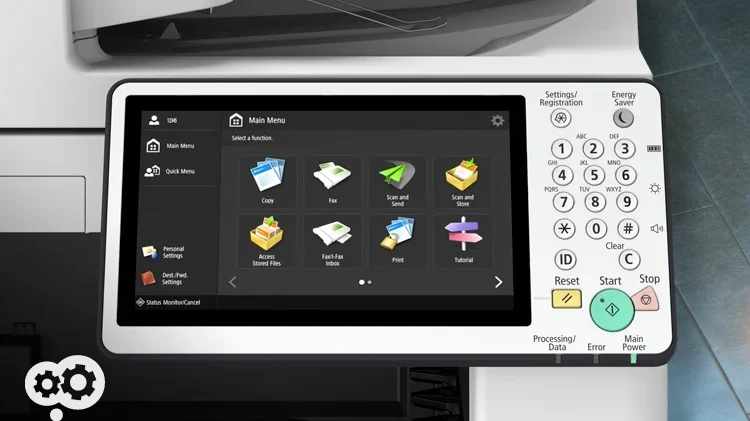
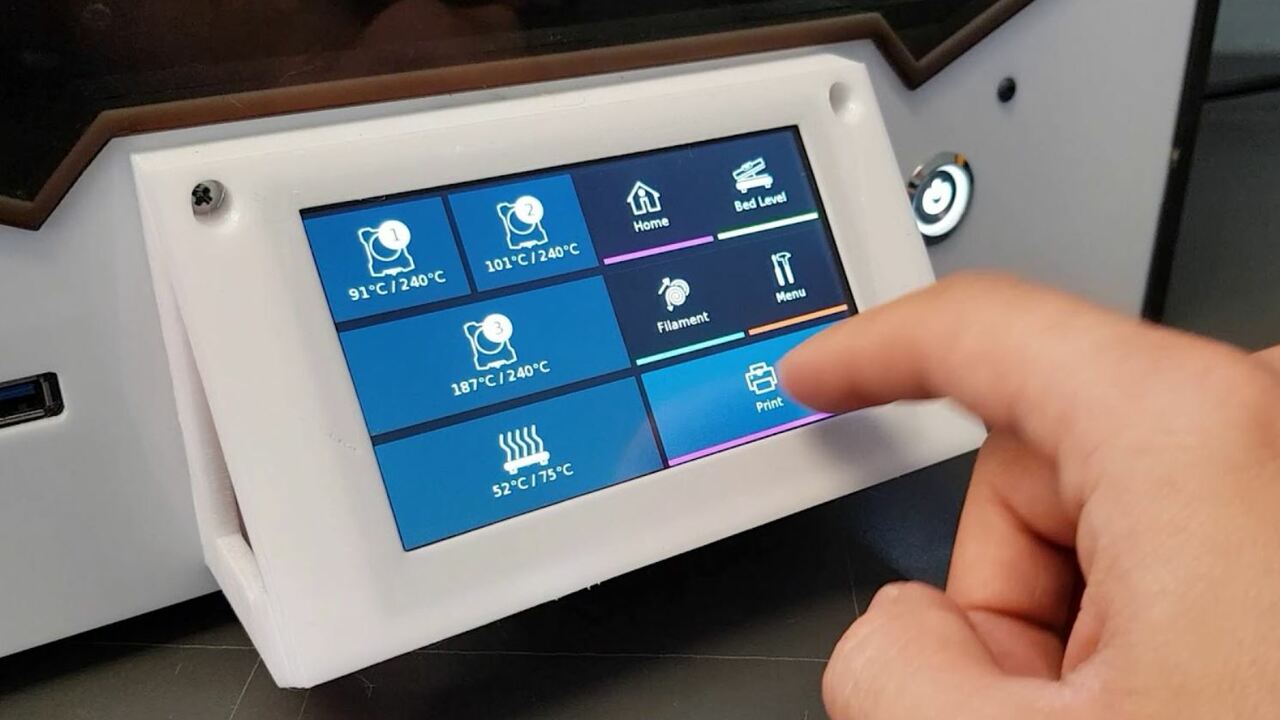
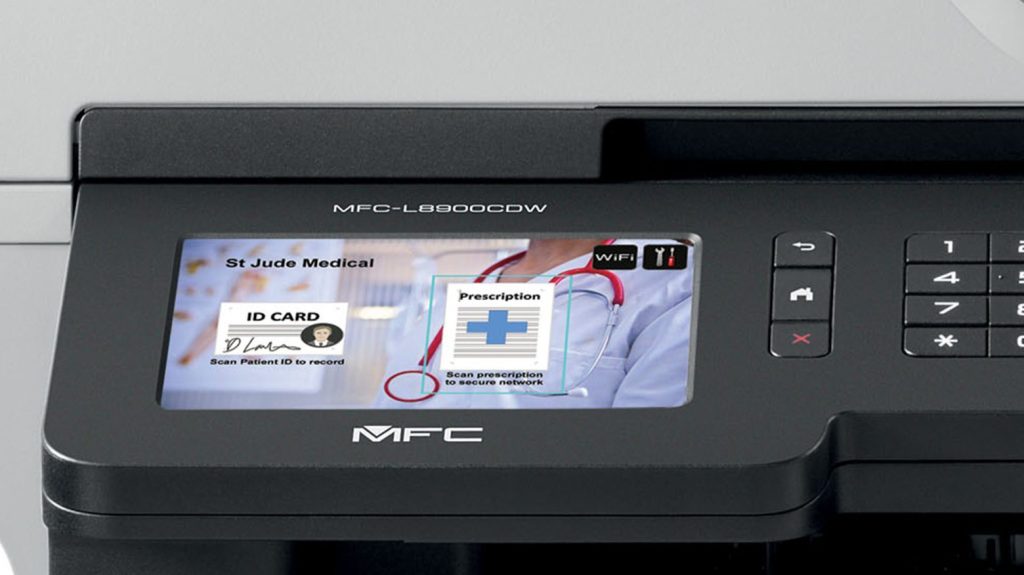
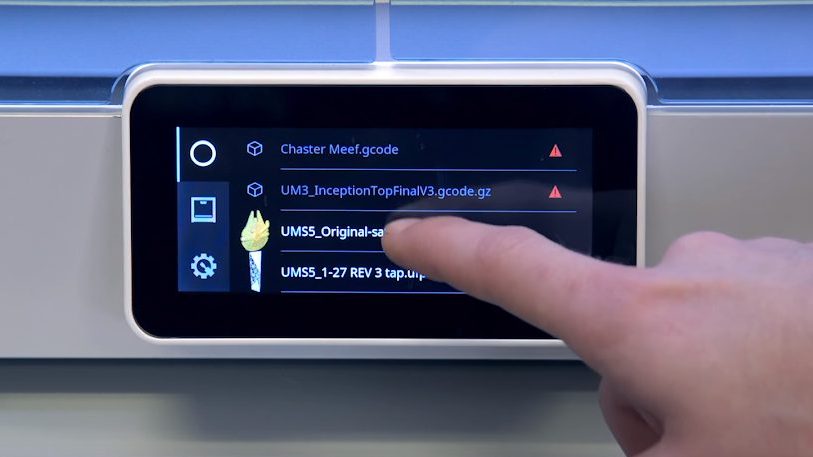
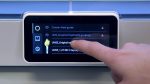
A display screen usually refers to the LCD or touch display. A control panel may include the display, buttons, keypad, cable, housing, or full front interface assembly.
How do I know if my printer interface screen needs replacement?
Common signs include a blank, dim, flickering, cracked, or unreadable display, failed touch input, keypad problems, or inability to adjust printer settings from the panel.
Can a blank screen be caused by something other than the screen itself?
Yes. Power supply, firmware, mainboard, cable, connector, keypad, and control board problems can show similar symptoms, so photos and symptom details are important.
What information should I send before ordering?
Send the printer brand and model, serial number if needed, part number if visible, clear photos of the screen front and back, connector or cable photos, quantity, and issue description.
Can Navi Label Solutions help check compatibility?
Yes. Compatibility can be checked from your printer model, part number, screen photos, and connector details before quotation.
Should the screen, cable, or full control panel assembly be replaced?
It depends on the printer model and failure point. Share photos of the front panel, back side, cable, and connector so the correct replacement scope can be reviewed.