Printer Roller
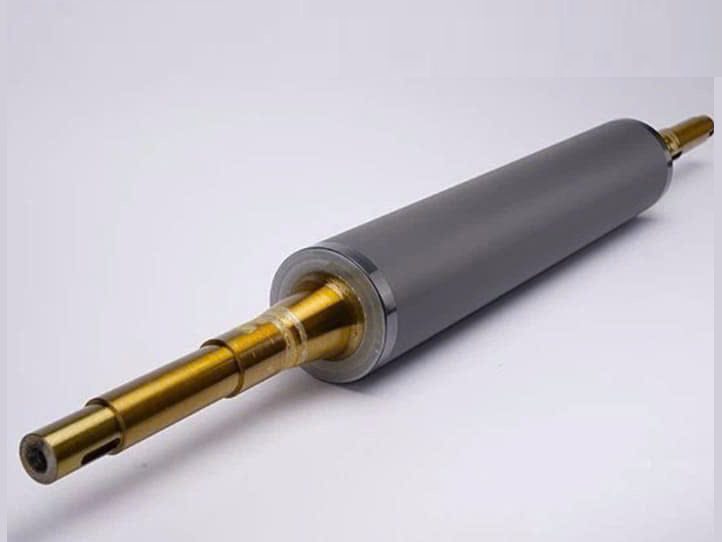
Durable printer roller replacement parts for barcode and label printers. A fresh printer roller restores smooth media feed, consistent pressure, and sharp print quality, helping you avoid jams and downtime.
Contact for orders / consultation
Mr. Yivi (Khmer/English)
Phone: (+855) 715 226 263
Email: sale1@navilabelsolutions.com
Mr. Kong Channaro (Khmer/Vietnamese/English)
Phone: (+855) 713 120 022
Email: sale2@navilabelsolutions.com
Mr. Sokkha (Khmer/Vietnamese)
Phone: (+855) 705 11 012
Email: sale3@navilabelsolutions.com
Printer Platen Rollers
Replacement printer rollers for barcode, label, receipt, and industrial thermal printers. Navi Label Solutions helps identify the correct roller by printer model, part number, roller type, and product photos to restore stable label feeding, print pressure, and daily printer performance.
Ideal for: retail replacement needs, wholesale spare-part supply, printer maintenance teams, factories, warehouses, and business procurement workflows.
Use Cases / Real-World Applications
🛒
Retail replacement needs
Replace worn rollers that cause label slipping, skewed feeding, repeated jams, or uneven print results in daily store operations.
📦
Wholesale spare-part supply
Support resellers and service partners that need quotation help for model-specific platen, feed, or pressure rollers.
🛠
Printer maintenance teams
Help technicians decide whether the problem comes from the roller, printhead, ribbon, labels, calibration, or printer settings.
🏭
Factory and warehouse labeling
Restore stable label movement for picking, packing, production, inventory, and shipping workflows where downtime is costly.
✅
Barcode readability improvement
Correct roller pressure and grip can reduce faded areas, misalignment, and inconsistent barcode scanning results.
📋
Business procurement
Give purchasing teams a clear checklist for printer model, part number, roller photo, quantity, and issue details before quotation.
Key Features & Benefits
Compatibility guidance for multiple printer categories.
Printer rollers are checked by printer brand, model, part number, roller type, and photos to reduce incorrect orders.
Supports platen, feed, and related roller needs.
Useful when customers need help confirming whether the replacement is a platen roller, feed roller, pressure roller, or another roller part.
Troubleshooting-aware consultation.
Label slipping, skewed feeding, jams, ribbon wrinkles, and uneven print density can be reviewed before a part is recommended.
Operational benefits for daily labeling.
The correct roller helps restore stable label movement, consistent contact pressure, and more reliable barcode printing.
Retail and bulk quotation support.
Small replacement inquiries, maintenance requests, and wholesale quantities can follow the same compatibility-check workflow.
Related accessory matching.
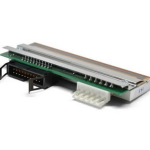
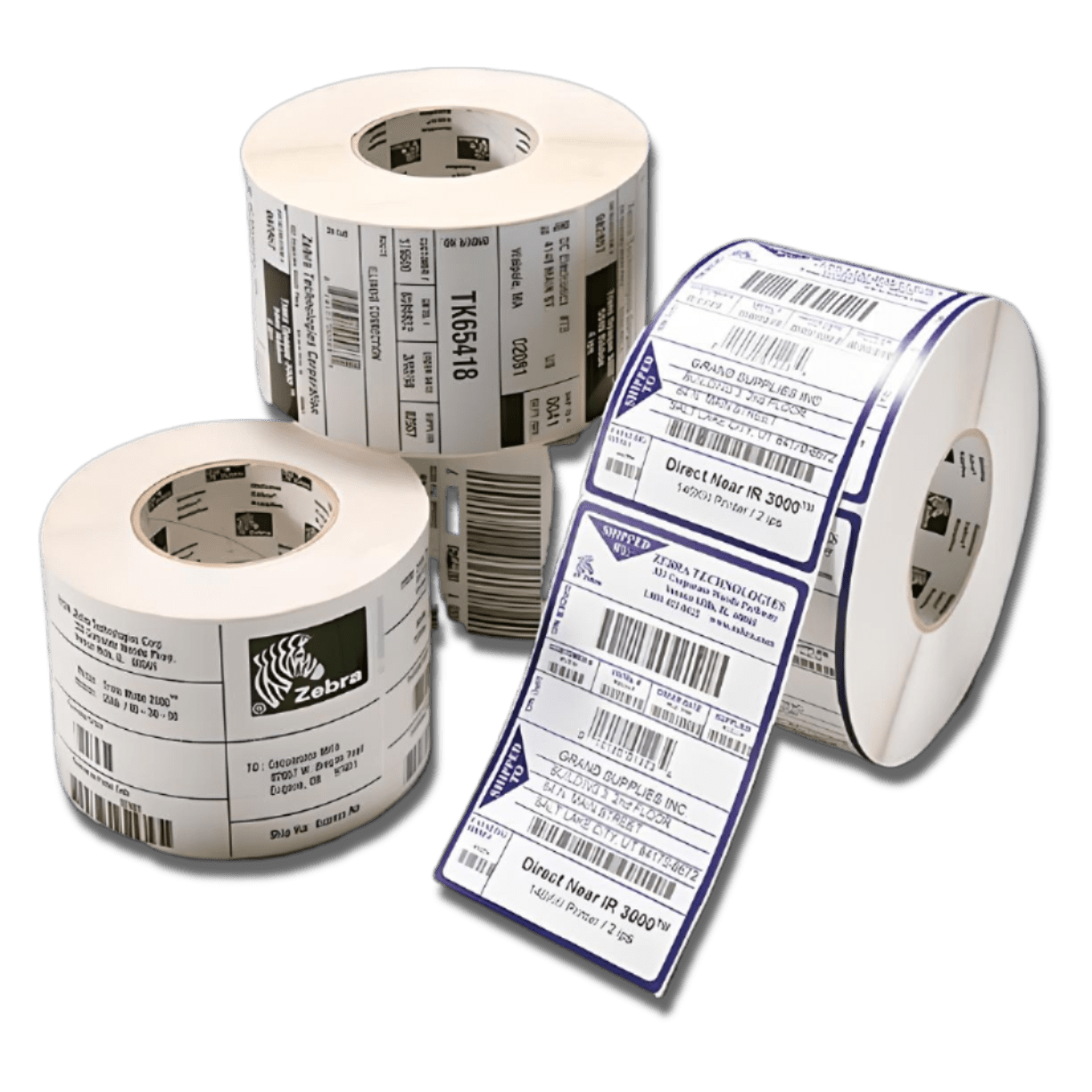
Printheads, printer interface screens, ribbons, label materials, and other printer accessories can be discussed together.
Why Buy from Navi Label Solutions?
- Expert Consultation – Compatibility guidance before quotation.
- Compatibility Checking – Review printer model, part number, roller type, photos, and symptoms before recommending the replacement scope.
- Flexible Ordering – Support for small inquiries and bulk quotation requests.
- Related Supply Support – Labels, ribbons, printheads, printer interface screens, rollers, and accessories can be matched together.
- Business Support – Practical information for maintenance teams, wholesale buyers, and procurement workflows.
Product Gallery
Technical Specifications / Compatibility Guidance
| Parameter | Details |
|---|---|
| Product type | Replacement printer roller, platen roller, feed roller, pressure roller, or related roller part depending on printer model. |
| Application | Restoring label feeding, print pressure, media alignment, barcode readability, and daily printer stability. |
| Compatible printer category | Barcode printers, label printers, receipt printers, thermal transfer printers, direct thermal printers, industrial printers, and RFID label printers where applicable. |
| Compatibility | Depends on printer brand, model, roller type, part number, roller dimensions, and product photos. |
| Information needed | Printer brand and model, serial number if needed, existing roller part number if available, clear photo of the current roller, quantity, and description of the feeding or print-quality issue. |
| Common replacement signs | Labels slip, feed unevenly, skew, jam repeatedly, show uneven print density, wrinkle ribbons, or fail to advance correctly after calibration. |
| Related parts or materials | Printheads, printer interface screens, ribbons, labels, and other printer accessories can be matched for maintenance needs. |
FAQ
Can I buy small quantities, or do I need to order in bulk?
Small replacement inquiries are supported, and larger wholesale or business quantities can be quoted after compatibility checking.
Do you support wholesale quotation for larger quantities?
Yes. Send the printer model, roller details, photos, and required quantity so our team can check supply options and quotation details.
What is the difference between a platen roller and a feed roller?
A platen roller usually presses media against the printhead, while a feed roller helps move media through the printer. The correct part depends on printer design and part number.
How do I know if my printer roller is worn out?
Common signs include label slipping, skewed feeding, repeated jams, uneven print pressure, faded print areas, ribbon wrinkles, or a cracked, hardened, glossy, or damaged roller surface.
Can a worn roller cause barcode print quality problems?
Yes. Poor grip or uneven pressure can affect label movement and print consistency, which may reduce barcode readability.
What information should I send before ordering?
Send the printer brand and model, serial number if needed, roller part number if visible, clear photos of the current roller, quantity, and a short description or video of the issue.
Can Navi Label Solutions help check compatibility?
Yes. Compatibility can be checked from your printer model, part number, roller type, photos, and issue details before quotation.
Should I replace the roller when replacing the printhead?
It can be useful to inspect the roller during printhead replacement because worn rollers can affect pressure and print consistency. The final recommendation depends on the roller condition and printer model.
How should printer rollers be cleaned and maintained?
Use the cleaning method recommended for your printer model and avoid sharp tools or harsh chemicals that can damage the roller surface. If the surface is worn, cracked, hardened, or damaged, replacement may be needed.
Need help choosing the right printer roller?
Send your printer model, part number, current roller photo, quantity, and feeding or print-quality issue details. Our team can support retail inquiries, wholesale quotation, and business maintenance needs.
Contact Navi Label Solutions