Thermal Printhead Maintenance: Make Every Printhead Last Longer (2026)

Thermal printhead maintenance is the cheapest insurance you can buy for a label printer, and it is the job most print rooms skip until a batch of labels comes out with white lines through the barcode.
The head is a strip of tiny heating elements protected by a thin ceramic layer. Every label and every metre of ribbon that passes over it takes a little of that layer away, and once the elements underneath are exposed, damage follows quickly.
This guide covers what actually wears a head out, the routine that slows it down, how to tell a cleaning problem from a dead head, and when replacement is the honest answer.
1. Why Printheads Fail Earlier Than They Should
Very few heads die of old age. Thermal printhead maintenance problems almost always trace back to small daily habits that nobody wrote down.
- Darkness turned up to compensate for a worn head or the wrong ribbon, which cooks the elements faster.
- A ribbon narrower than the label, so the outer part of the head runs directly on abrasive face stock.
- Adhesive residue, paper dust and label edges left to build up under the head.
- Cleaning done with whatever is in the drawer instead of a proper swab or pen.
- Head pressure left at maximum because it once fixed a print problem on a different job.
Zebra makes the mechanism plain in its routine maintenance guidance: media and ribbon moving across the head wear through the protective ceramic coating, exposing and eventually damaging the print elements. Their advice is to clean frequently, keep pressure and burn temperature balanced rather than maxed, and make sure the ribbon is at least as wide as the media. That is thermal printhead maintenance in one paragraph.
2. What Wear Looks Like Before It Becomes a Failure
Wear is readable if you know the pattern. Missing elements print as thin unprinted lines running in the direction the label feeds, always in the same position on every label.
A dirty head looks different: patchy, smudged or generally weak print that moves around or improves after a clean. Streaks that shift position are usually contamination or a worn platen roller, not a dead element.
The habit that makes thermal printhead maintenance worth doing is checking a printed sample rather than the screen. Barcodes fail gradually, and a code can still look fine to the eye while a scanner has already started to struggle with it.
3. A Thermal Printhead Maintenance Routine That Holds Up
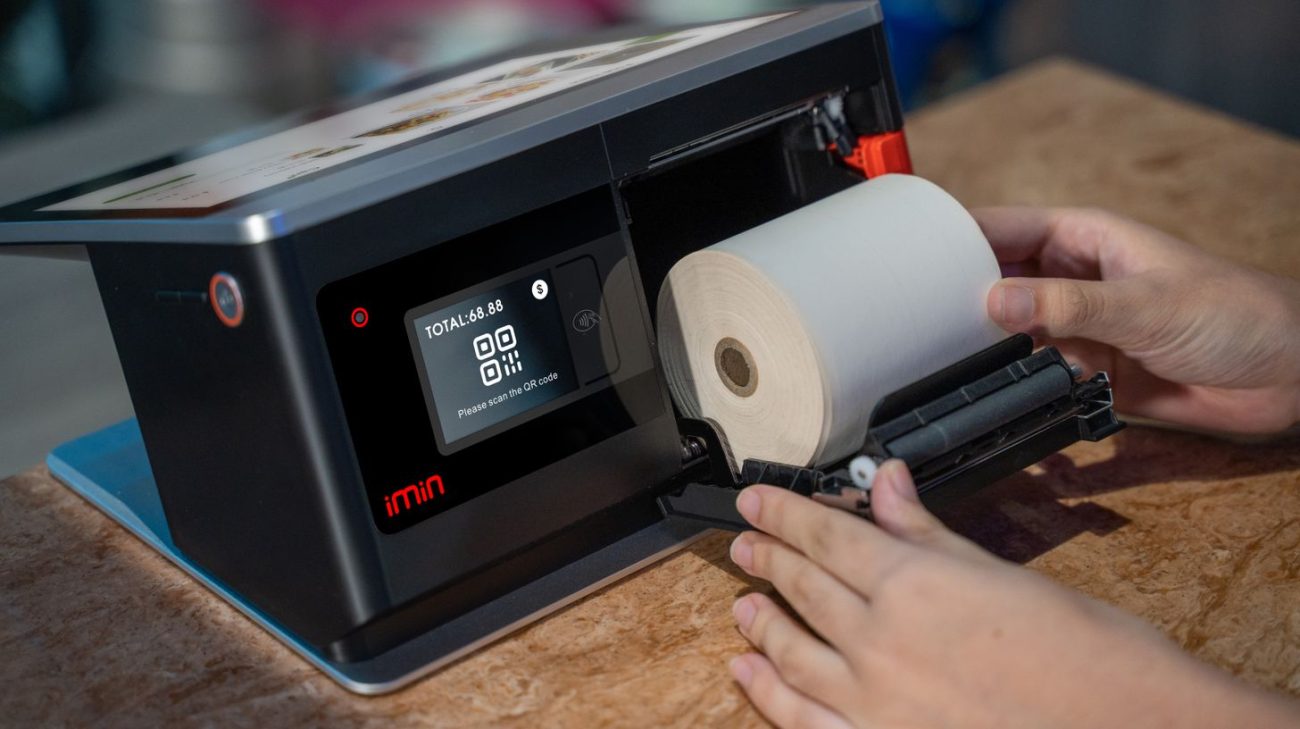
Thermal printhead maintenance works best as a short fixed sequence rather than a deep clean nobody has time for. Manufacturers publish cleaning schedules as guidelines and expect you to clean more often in dusty or high-volume conditions. The common baseline for barcode printers is a clean at every media or ribbon change, which conveniently lands at a natural pause in production.
- Power down and let the head cool. Cleaning a hot head is how coatings get damaged.
- Remove media and ribbon so nothing traps residue back under the head.
- Wipe the print elements end to end with a fresh cleaning pen or a high-purity isopropyl alcohol swab, in one direction, and let it dry fully.
- Clean the platen roller too. A glazed or grooved roller ruins print quality and puts uneven pressure on the head.
- Clear the media path of dust, label edges and adhesive flakes, including the sensors.
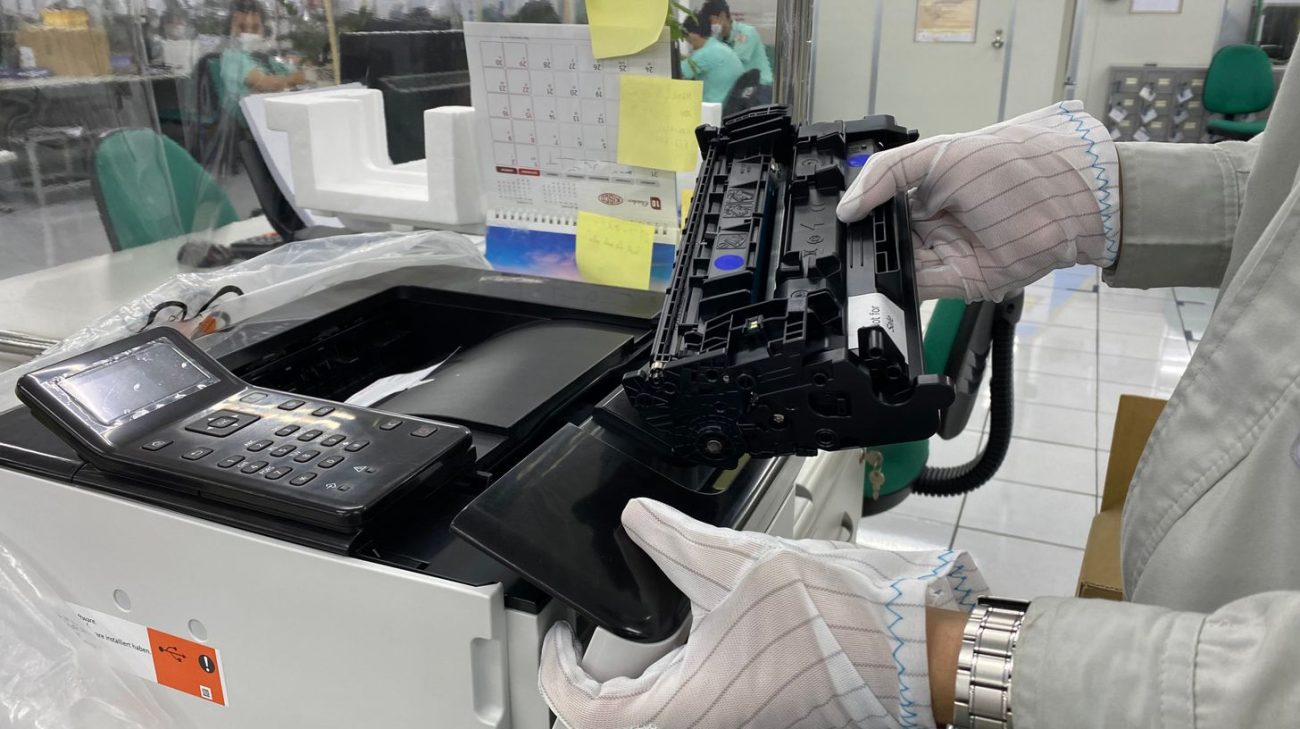
- Remove rings and watches and use an anti-static precaution when your hands go near the head.
- Print a test label and keep it. A dated sample file turns “it looks worse” into evidence.
Two settings deserve a standing rule. Keep darkness only as high as the code needs, and leave head pressure at the lowest setting that gives a clean image. Both are easier to hold steady when your ribbon and label stock stay consistent, which is why we match thermal transfer ribbons to the material rather than selling one grade for everything.
4. Clean, Adjust or Replace? A Quick Comparison
Most thermal printhead maintenance calls fall into one of four buckets. Knowing which one you are in saves an unnecessary part order or a wasted afternoon.
| Symptom | Likely cause | First action | Cost if ignored |
|---|---|---|---|
| Patchy or weak print that improves after wiping | Residue on the head or roller | Clean head and platen, reprint a test label | Faster abrasion, then permanent damage |
| Thin white lines in the same place on every label | Failed print elements | Replace the printhead | Unscannable codes and rejected shipments |
| Print fades only at one edge | Ribbon narrower than the media, or uneven pressure | Fit correct ribbon width, reset pressure | Localised wear across the whole head |
| Blurred or doubled image at speed | Worn platen roller or speed and darkness mismatch | Replace roller, retune speed and darkness | Head stress and rising scrap rate |
Replacement heads and platen rollers are stocked as printer accessories, and heavier repairs fall under our maintenance and repair services.
5. Where Printer Care Is Heading in 2026
Three shifts are changing how print rooms handle thermal printhead maintenance this year.
Monitoring instead of guessing. Networked printers increasingly report usage and error history, so maintenance intervals can follow actual metres printed rather than a wall calendar. That matters most where one machine runs three shifts and another runs twice a week.
Codes are getting denser. The move to 2D symbols raises the cost of a single failed element, because a small module cannot survive a gap the way a wide bar could. Our guide to barcode and QR code labels covers why print quality has become the gating factor.
Consumables are being treated as part of the machine. Buyers are asking which ribbon grade a head prefers instead of asking only for the lowest price per roll, because a mismatched ribbon can cost more in head life than it saves in purchase price.
6. Building Maintenance Into How You Print
Thermal printhead maintenance only survives as a routine if it is short, owned and visible.
- Write the steps on a card and tape it inside the printer lid, not in a shared folder nobody opens.
- Tie cleaning to the media change rather than to a time of day, so nobody has to remember a date.
- Keep cleaning pens or swabs beside the printer. Consumables kept in a locked cupboard do not get used.
- Stock one spare platen roller per printer model and know the lead time on a replacement head.
- Log every head change with the print volume it reached, so you can see whether a setting change helped.
- Train every shift, not only the person who happens to like machines.
If your printers are older or mixed across brands, it is worth a review of the fleet before the next big label run. We work with Zebra, Argox, Godex, Bixolon and Printronix hardware, so we can advise on printers and scanners that match your volume instead of replacing like for like.
Why Work With Navi Label Solutions?
Printer downtime is rarely about the printer alone. It is usually the ribbon, the material and the settings working against each other, which is where thermal printhead maintenance really begins.
Parts on the shelf, not on order
Printheads, platen rollers and interface parts for the brands we supply, so a worn head does not become a week of waiting.
Ribbon and material matched properly
We pair ribbon grade to face stock and application, which is the single biggest lever on how long a head lasts.
Service and training included in the relationship
Installation, guidance on use, maintenance and repair, so your operators know the routine and the settings behind it.
Need a Second Opinion on a Failing Printer?
Send us a photo of the faulty label and tell us the printer model, the ribbon and the material. In most cases the print itself shows whether you are looking at a cleaning problem, a pressure problem or a finished printhead.
If a part is needed we will say so plainly, and if a setting change fixes it we will tell you that instead.
Printhead Care FAQs
How often should I clean a thermal printhead?
Thermal printhead maintenance schedules from manufacturers are guidelines, and the usual starting point for barcode printers is every media or ribbon change. Dusty environments, recycled liners and heavy shifts all justify cleaning more often, so treat the published interval as a floor rather than a target.
Can I use ordinary rubbing alcohol or a cotton bud?
Use a cleaning pen or a high-purity isopropyl alcohol swab designed for printheads. Household products can leave water, oils or fibres behind, and a loose fibre caught under the head does the exact damage you are trying to prevent.
Why does turning up darkness make print worse over time?
Higher burn temperature ages the elements faster and can smear the image instead of sharpening it. If you need more darkness than usual to get a clean code, the real problem is normally the ribbon and material pairing or a head that is already worn.
Does a printhead have a fixed lifespan?
It is measured in print distance rather than months, and the figure varies by model, so check your own printer documentation instead of a general number. What you can control is how quickly that distance is used up: clean often, keep pressure and darkness modest, and never run a ribbon narrower than the label.
Is it worth replacing the platen roller at the same time?
Often yes. A worn roller puts uneven pressure on a fresh head and can undo the benefit of the new part within weeks, so inspect it whenever the head comes out.