
Choosing between barcode scanner types looks trivial until you actually try. Two readers sit side by side, look almost identical, cost wildly different amounts, and only one of them will still be useful to you in three years.
The wrong choice rarely announces itself on day one. It shows up later as a picker walking back to a terminal, a cashier scanning the same item four times, or a shiny new 2D code on a supplier carton that your hardware simply cannot decode.
This guide compares the main barcode scanner types: what is inside these devices, where they physically live, how the data gets out, and how to narrow the field down to one model without guessing.
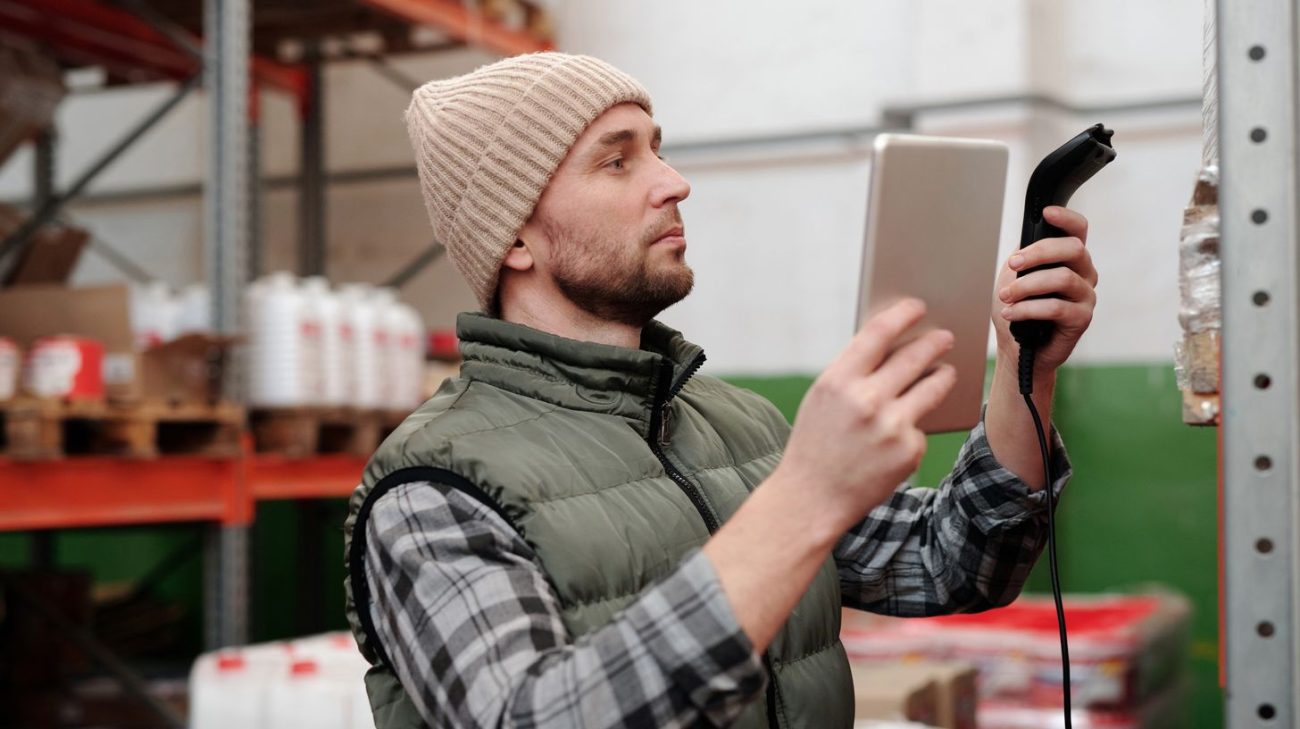
1. How Barcode Scanner Types Differ Under the Glass
Everything else is packaging. What really separates barcode scanner types is the engine doing the reading, and there are three families worth knowing.
Laser readers
A laser reader sweeps a single beam across the symbol and measures reflected light. It is a mature, cheap and fast approach that handles printed linear codes at a comfortable distance. It also contains a moving mirror, reads only one-dimensional symbols, and tends to give up on codes shown on a phone or monitor.
Linear imagers
A linear imager captures a one-dimensional image instead of sweeping a beam. With no moving parts it survives drops better, and because it works from an image it copes with codes on screens and with poorly printed labels. It is still limited to linear symbols.
Two-dimensional area imagers
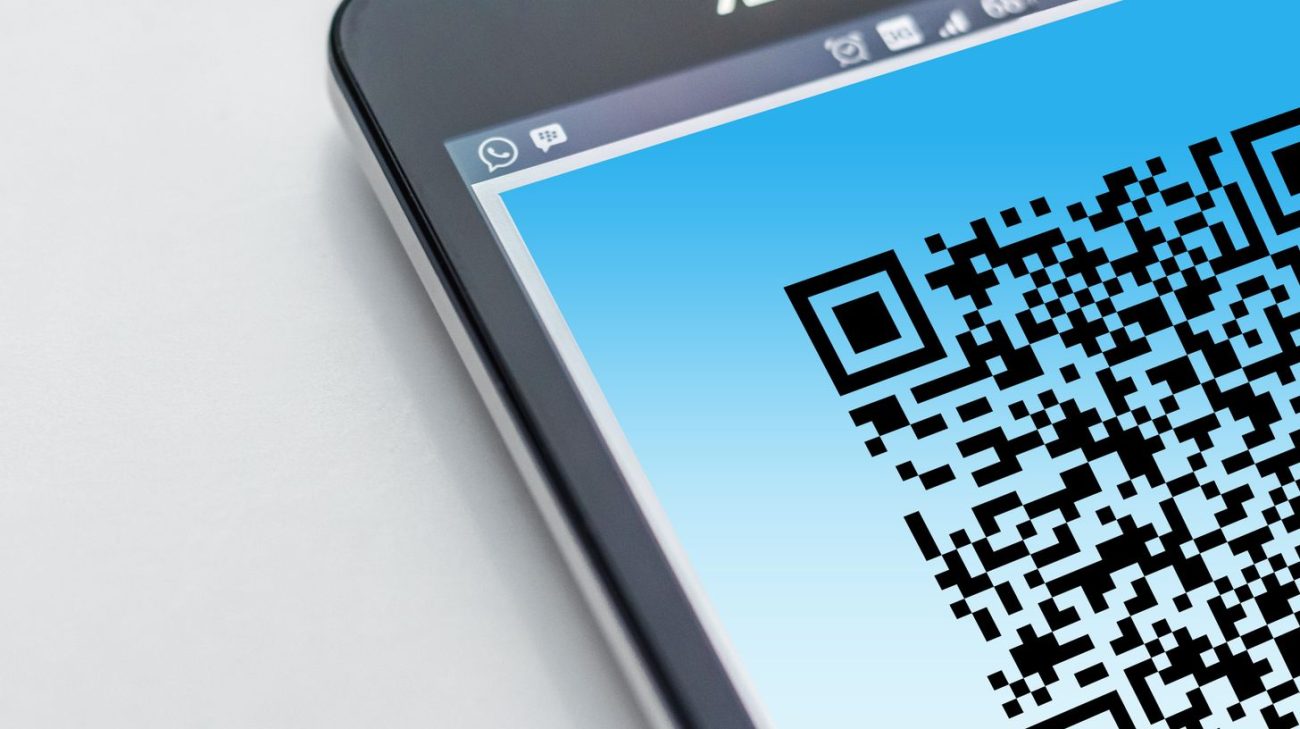
An area imager takes an actual picture and decodes what it finds. That single change brings omnidirectional reading, support for stacked and matrix symbols such as QR Code and Data Matrix, tolerance of damaged codes, reading from screens, and often image capture for proof of delivery. It is why the practical gap between barcode scanner types has narrowed to one question: 1D only, or 1D and 2D?
For completeness, retail counters also use multi-line and omnidirectional laser arrays that fire several beams at once. They feel hands-free and fast, but they inherit the same one-dimensional limitation as any other laser.
2. Form Factors: Where the Reader Actually Lives
Engine decided, the next question is physical, and it is where barcode scanner types really diverge. The same imager can arrive in six very different bodies, and the body is what your staff will judge you on.
- Corded handheld. Cheapest, never needs charging, tethered to one station. Ideal for a fixed till or a goods-in desk.
- Cordless handheld. Pairs to a charging base or straight to a host. Right whenever the item is too heavy or awkward to bring to the scanner.
- Presentation readers. Sit on the counter and read whatever is waved at them, leaving both hands free. Pharmacies, cafés and small shops live on these.
- In-counter and bioptic units. Built into supermarket checkouts to read multiple faces of a product in one pass.
- Fixed-mount and industrial readers. Mounted over a conveyor or on a machine, triggered by a sensor rather than a person.
- Wearable ring scanners. Worn on a finger with a wrist or hip terminal, for picking work where both hands stay on the product.
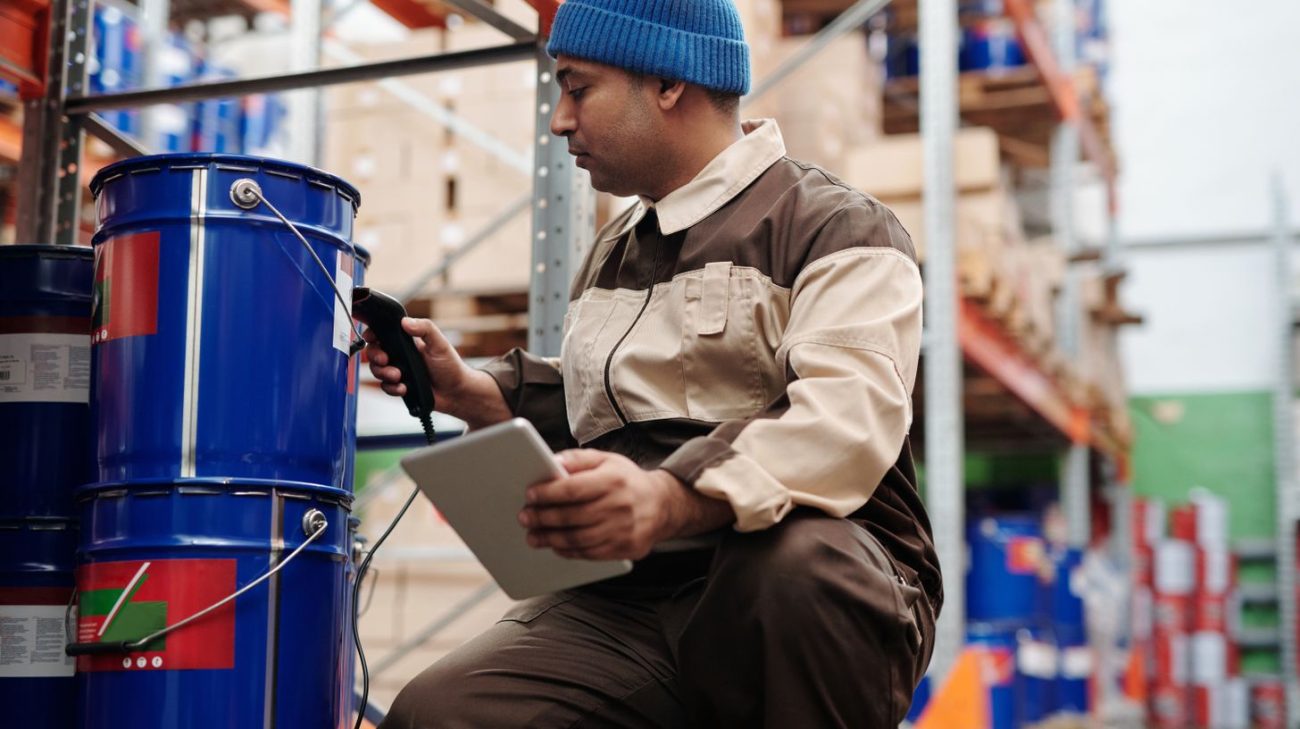
- Mobile computers. A scan engine, a screen and an operating system in one unit, running your warehouse or field app directly.
3. Connectivity, Power and Where the Data Lands
A scan that nobody validates is just typing with extra steps. How the reader connects decides whether your system can push back before the operator moves on.
- Keyboard wedge over USB. The reader pretends to be a keyboard and types the code into whatever field has focus. No drivers, no integration, and no confirmation that the value was correct.
- Serial or virtual COM. Needs software listening on the port, but that software can validate, look up and reject in real time.
- Bluetooth. Freedom within a radius, plus a batch mode that stores scans when the link drops. Check what happens to queued data before you rely on it.
- Wi-Fi and cellular. Usually found on mobile computers talking live to a warehouse or ERP system, which is the only setup that can stop a mis-pick as it happens.
Power separates cordless barcode scanner types just as sharply as optics do. Swappable batteries keep a device working across shifts; sealed internal batteries mean the device charges when your people are meant to be working. For any cordless fleet, budget for spare batteries and a charging cradle from the start.
4. Barcode Scanner Types Compared Side by Side
Read this comparison of barcode scanner types by workflow rather than by price. The cheapest device that cannot do the job is the most expensive line on the invoice. And if codes are being missed by every device you try, the fault is print quality rather than the reader, which is what barcode verification exists to measure.
| Reader style | Reads | Suits | Watch out for |
|---|---|---|---|
| Single-line laser handheld | 1D only | Established linear workflows, reading at a distance | Moving parts; poor with screens and scuffed labels |
| Linear imager handheld | 1D only | Offices, light retail, codes shown on screens | Still no 2D capability at all |
| 2D area imager handheld | 1D and 2D | Almost any new deployment; retail, healthcare, logistics | Slightly higher unit cost |
| Presentation reader | Usually 1D and 2D | Counters, pharmacies, service desks | Needs counter space and permanent power |
| In-counter / bioptic | 1D and 2D | High-volume supermarket checkouts | Significant counter modification |
| Fixed-mount industrial | 1D and 2D | Conveyors, production and packing lines | Mounting, triggering and integration work |
| Wearable ring scanner | 1D and 2D | Picking and packing with both hands busy | Charging discipline and device management |
| Mobile computer | 1D and 2D | Field service, delivery, warehouse apps | Highest cost; needs software and device management |
5. What Is Changing for Scanners in 2026
The barcode scanner types you buy this year will outlive several rounds of packaging changes, so the direction of travel matters more than the current spec sheet.
Retail is moving to data-rich two-dimensional codes
GS1 and its retail partners are steering the industry towards next-generation barcodes, and GS1 itself recommends readers with imaging-based capabilities. Live rollouts are already running, from Woolworths in Australia to 7-Eleven in Thailand. The background is set out on the GS1 barcodes standards page and the GS1 retail 2D programme. Buying 1D-only hardware today shortens its useful life for no real saving.
One code, two audiences
A single 2D symbol can now serve a warehouse system and a shopper’s phone at the same time. That means your readers need to cope with web-address style content, not only plain digit strings, and your software needs to know what to do with it.
Phones are eating the light end of the market
For occasional stocktakes and small teams, a phone app is genuinely good enough. It falls apart on volume, gloves, cold, drops and battery life — which is exactly where dedicated barcode scanner types earn their keep.
Barcode and RFID are converging
Handheld units that read both printed symbols and RFID tags are increasingly common, which lets a single device handle item-level scanning and bulk tag reads on the same round.
6. How to Choose the Right Reader for Your Workflow
Work through these six questions in order and the list of suitable barcode scanner types writes itself. Skip to the model list first and you will buy twice.
- What must it read, in three years? If any supplier, regulator or customer might send you a 2D code, the answer is an imager.
- How many scans per hour, and from how far? Occasional desk scanning and continuous picking are different purchases.
- What is the environment? Dust, freezer temperatures, wash-down, drops onto concrete. Ask for the sealing and drop specification in writing rather than assuming.
- Who holds it? A cashier wants hands-free. A picker wants a ring. A driver wants one rugged device that does everything.
- Where must the data land? If a scan has to be checked against a system before the next action, plain keyboard emulation is not enough.
- Then choose the model. By this point you are comparing two or three devices, not thirty.
It also pays to sort scanning and printing together, since a reader is only as good as the label in front of it. Our Zebra barcode scanner range sits in the same printers and scanners catalogue as the printers and consumables that produce those codes. For a worked example of readers and tags used together in the field, see our write-up on the event check-in solution with barcode and RFID.
Why Work With Navi Label Solutions?
Need Help Picking the Right Scanner?
Tell us three things: what symbols you need to read, how many scans an hour, and where the scanning happens. Counter, freezer, forklift and delivery van all lead to very different answers.
We will suggest a form factor and a shortlist of models, together with the labels and ribbons that will keep those codes readable for as long as the product lasts.
Frequently Asked Questions
Can a 1D barcode scanner read QR codes?
No. Laser and linear-imager readers only decode linear symbols. Reading QR Code or Data Matrix needs a two-dimensional area imager, and no firmware update changes that.
Do I need a mobile computer, or is a cordless scanner enough?
If your process is “scan and the host system decides what happens next”, a cordless scanner is fine. If the operator needs to see stock levels, pick lists or confirmations on the spot, buy the screen.
Is a smartphone a realistic substitute?
For low volumes, yes. For thousands of scans a shift, gloved hands, cold rooms or repeated drops, a purpose-built device is cheaper over its life and far less irritating to use.
Which barcode scanner types work in a freezer?
Look for units rated for the temperature range and for condensation handling, typically a rugged handheld or a cold-storage mobile computer. Confirm the rated range with the manufacturer rather than assuming a standard model will cope.
Should we replace working 1D scanners now?
Not all at once. Replace on failure and on new deployments, but specify 2D from here on so the fleet migrates naturally before anyone hands you a code you cannot read.